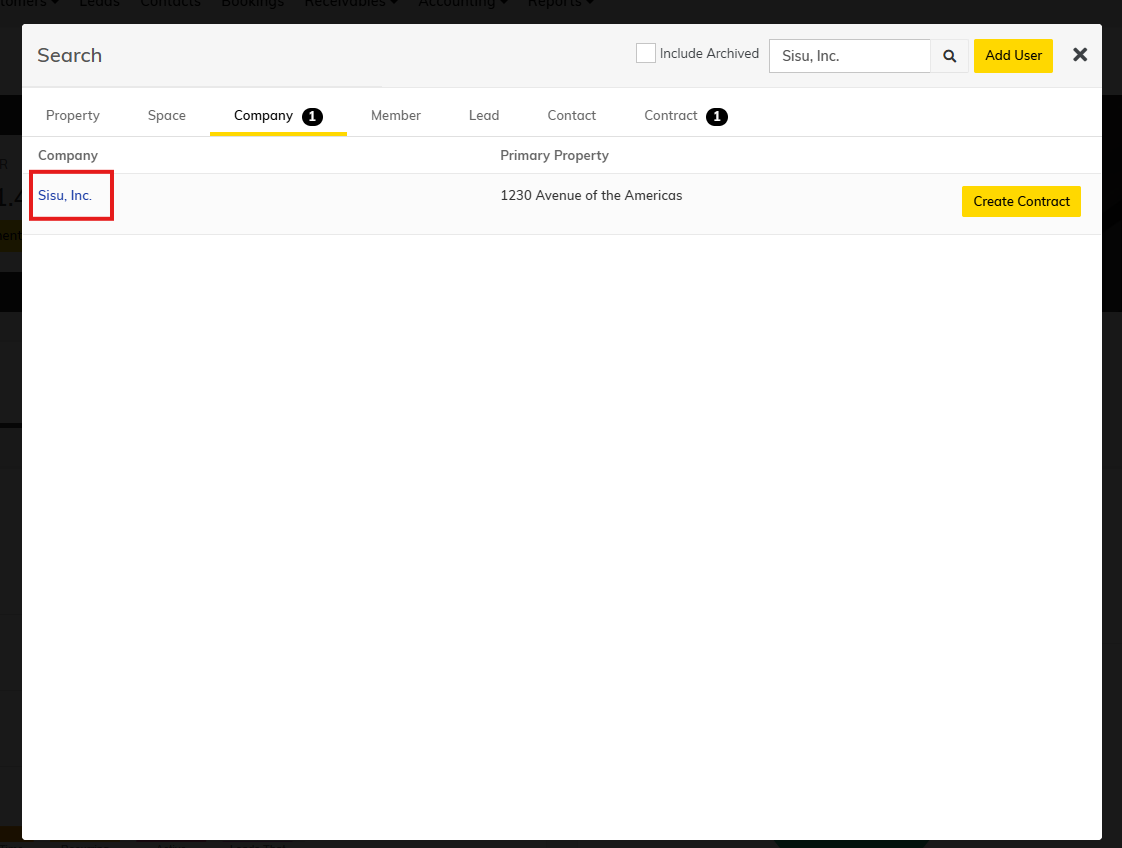
Step 1: Navigate to the Company in Yardi. To do this, search for the company using the spyglass in the top right corner 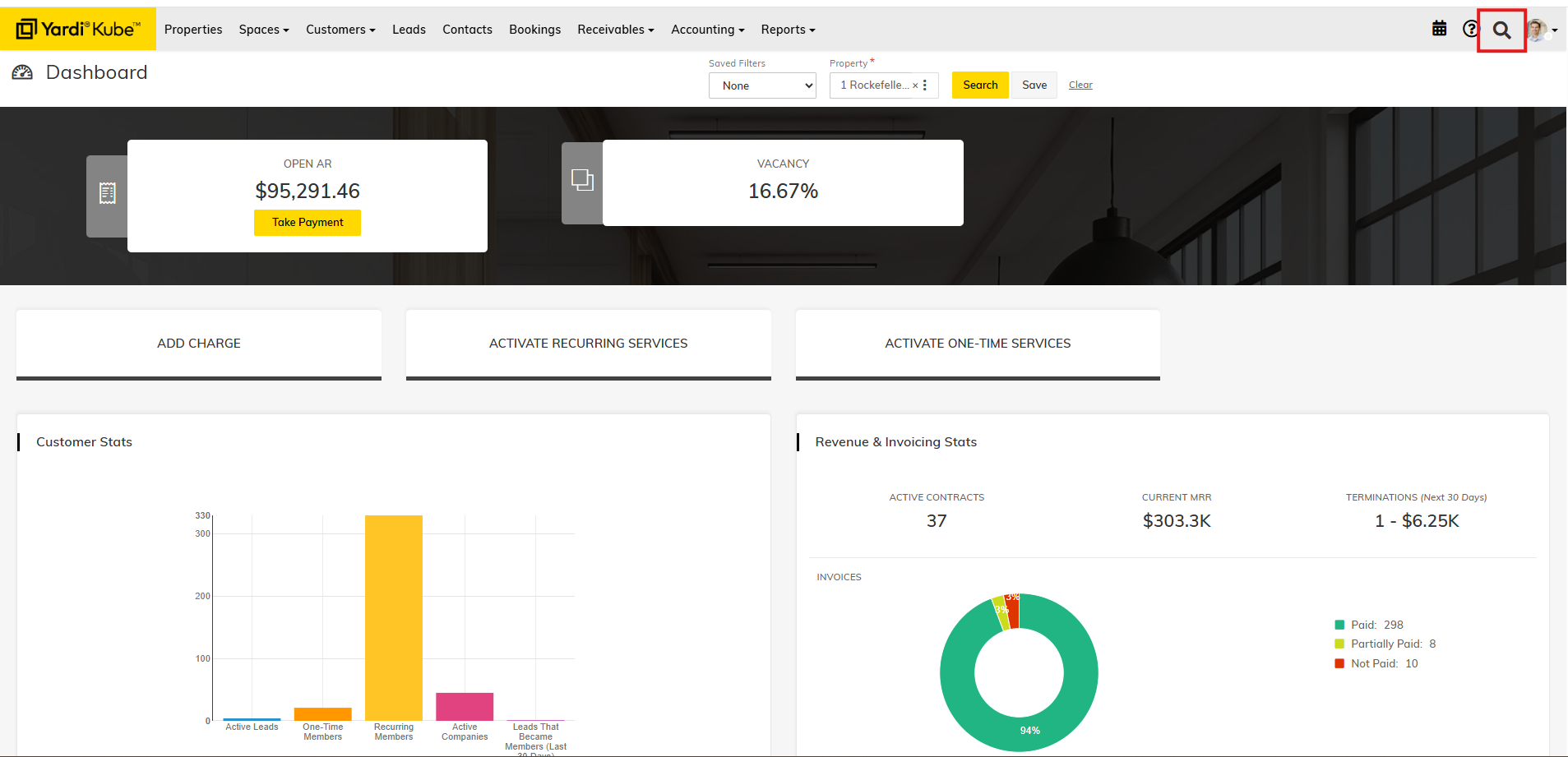
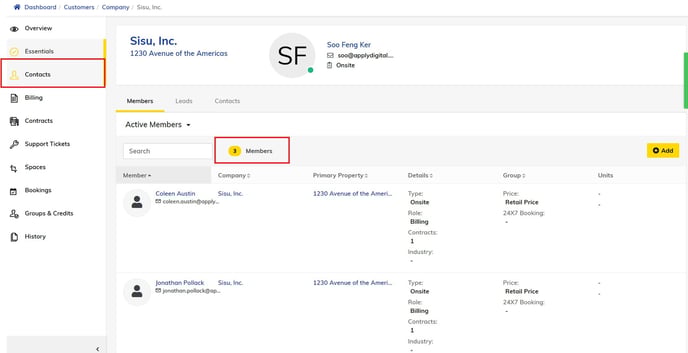
Step 2: You will be redirected to the detailed company page. Click the "Contacts" tab on the left side. Once on the contacts page, you can view the number of members and scroll through the list of members within that company.