
Step 1:
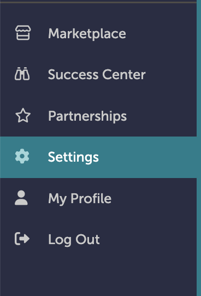
On the left-hand navigation bar, scroll down to “Settings”.
Step 2:
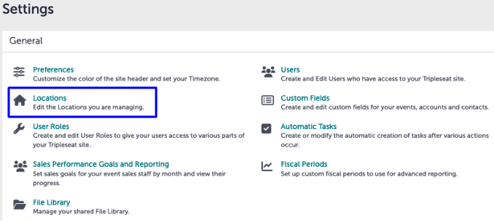
In the Settings window, click “Locations".
Step 3:
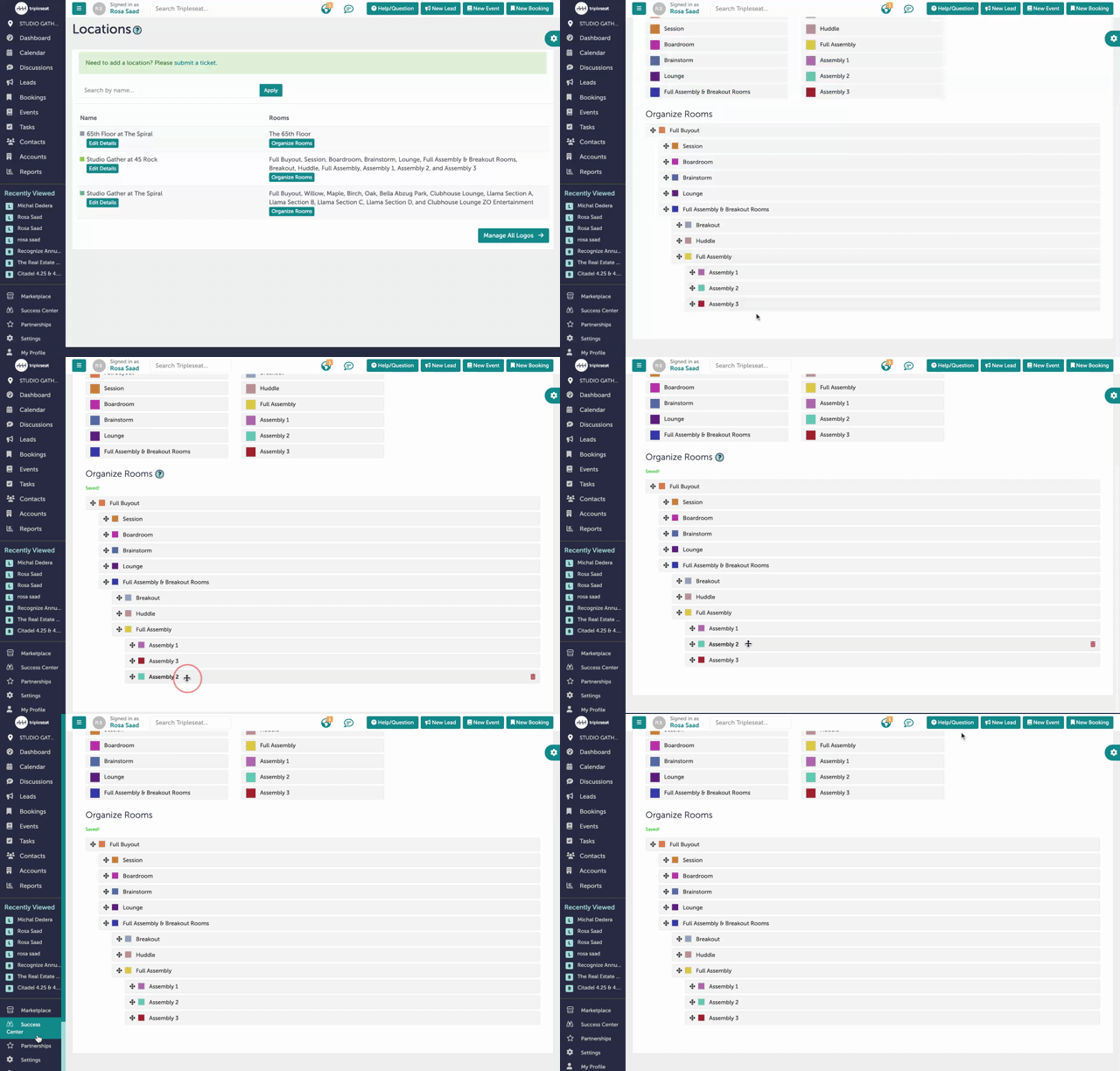
Under “Rooms”, click “Organize Rooms” for the setup you want to update.
Step 4:
Select the cross-shaped cursor at the left-hand side of the rooms. Drag the rooms to their appropriate place. Tripleseat will automatically save any changes you make.
Step 5:
Was this article outdated or incorrect? Suggest a revision! Still need help? Submit a ticket!