
Step 1: Navigate to the Outlook Desktop Application:

Step 2: Click on "Home"
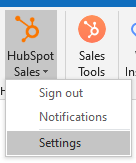
Step 3: Click on the HubSpot Sales Add-in:

Step 4: Select "Settings":
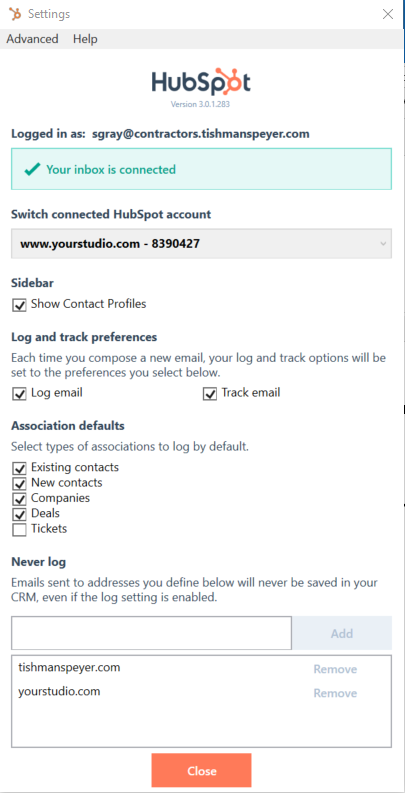
Step 5: Make sure "Log Email", "Existing contacts", "New Contacts" and "Companies" are checked off:
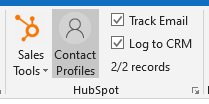
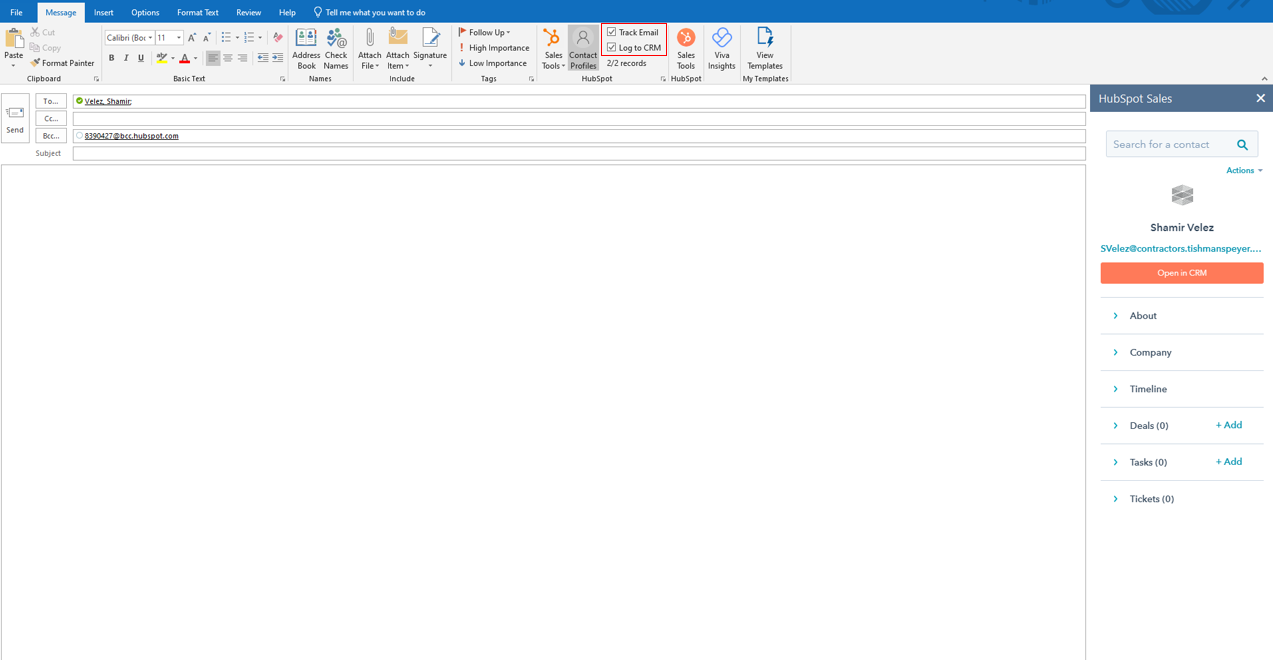
*Note: the above settings are defaults. For each email that you send, you have the option to check/uncheck whether you want to log and/or track the email:
Was this article outdated or incorrect? Suggest a revision! Still need help? Submit a ticket!