
Step 1:
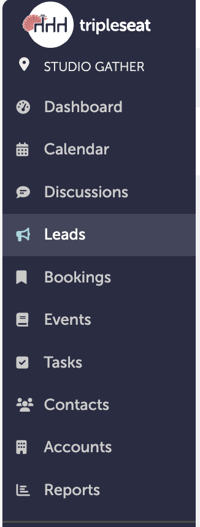
Navigate to "Leads" on the left-hand navigation bar.
Step 2:
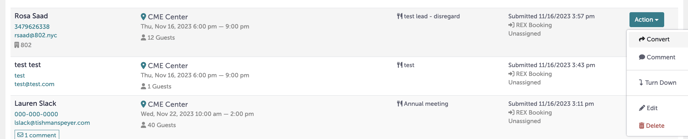
Click into the lead you would like to convert. Click "Action" then "Convert".
Step 3:
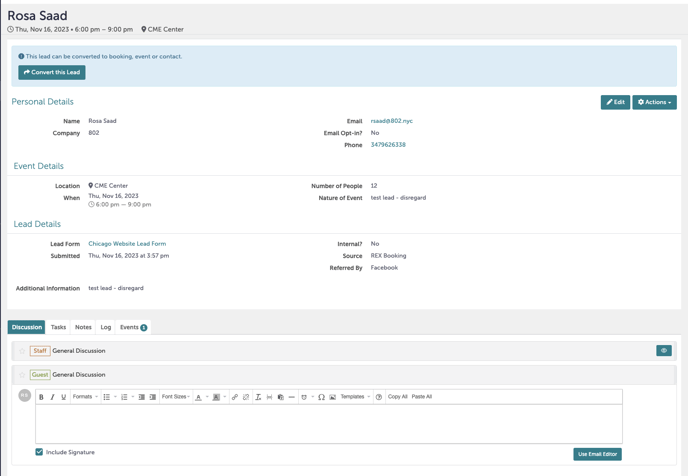
You are now inside the lead. From here, you can convert the lead. You can also send an email to the lead under "Discussion".
Step 4:
We will convert this lead by clicking "Convert this Lead".

Step 5:
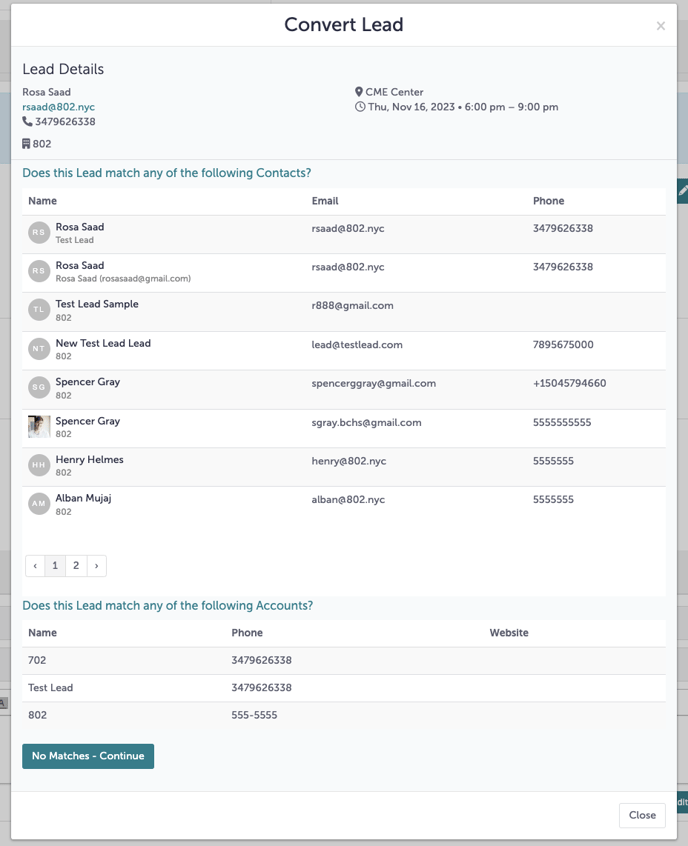
Tripleseat will ask if your lead matching an existing contact. If it does, select an existing contact. If not, click "No Matches - Continue" at the bottom of the pop-up window.
Step 6:
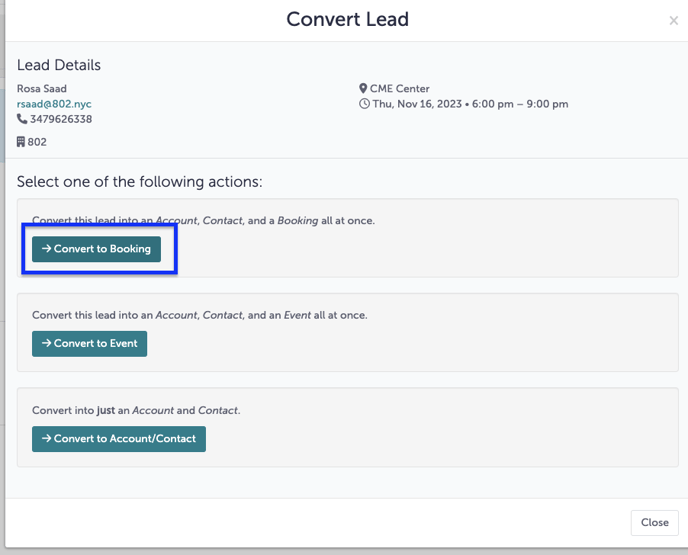
Click "Convert to Booking".
Step 7:
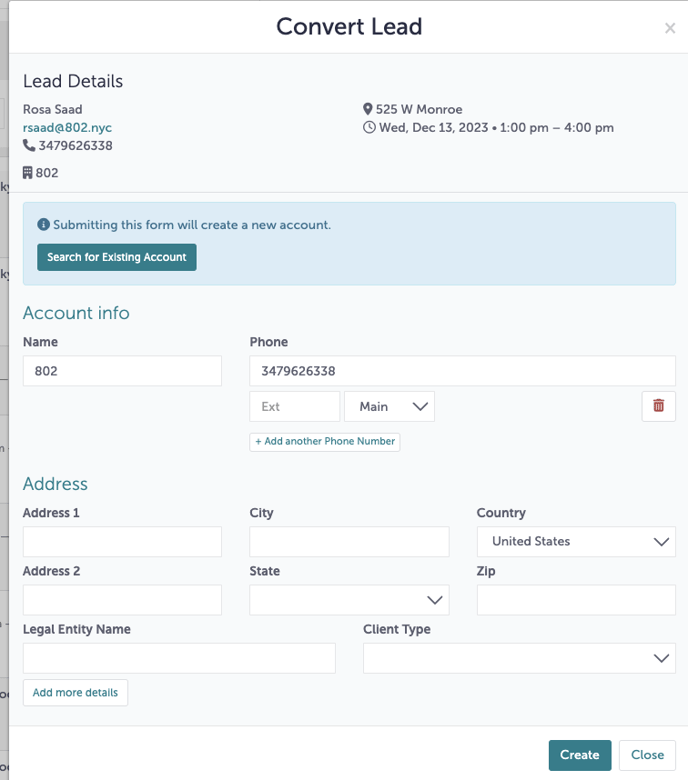
You will be asked to enter Account details of the lead at the next window. If there is an existing account, please select "Search for Existing Account".
Step 8:
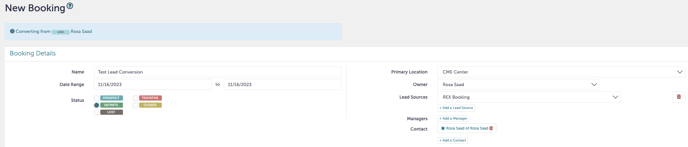
You will now enter the details of your event.
Step 9:
For a review on how to create a new booking, please refer to this Knowledge Base article.
Step 10:
Was this article outdated or incorrect? Suggest a revision! Still need help? Submit a ticket!