
Step 1: Open the Studio Lane Portal Admin View
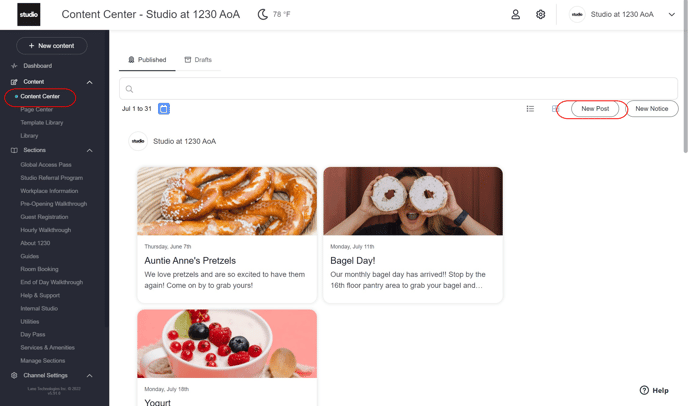
Step 2: Go to Content Center
Step 3: Click "New Post"
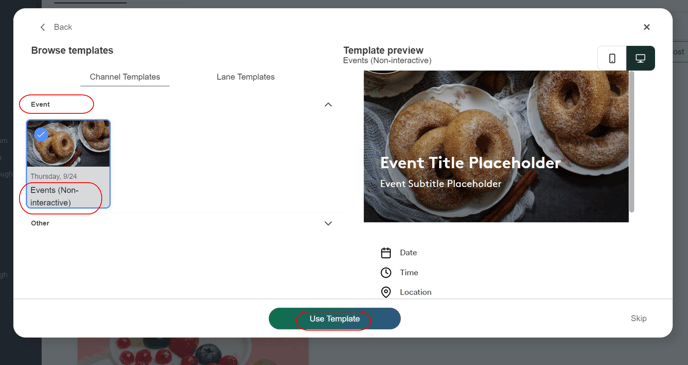
 Step 4: Select template type
Step 5: Channel Templates
Step 6: Event -> Non Interactive
Step 7: "Use Template"
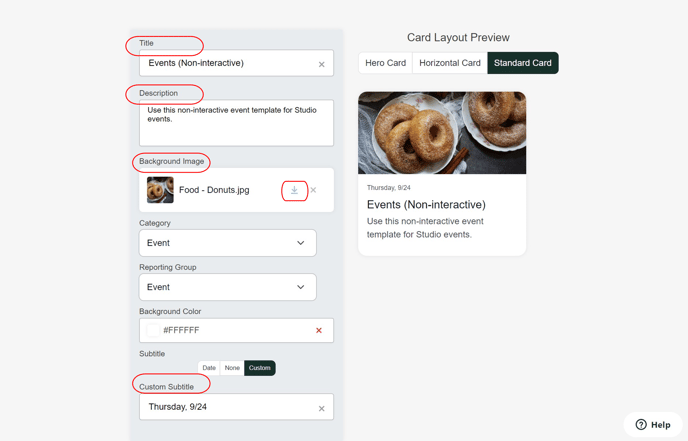
Step 8: Enter Event information
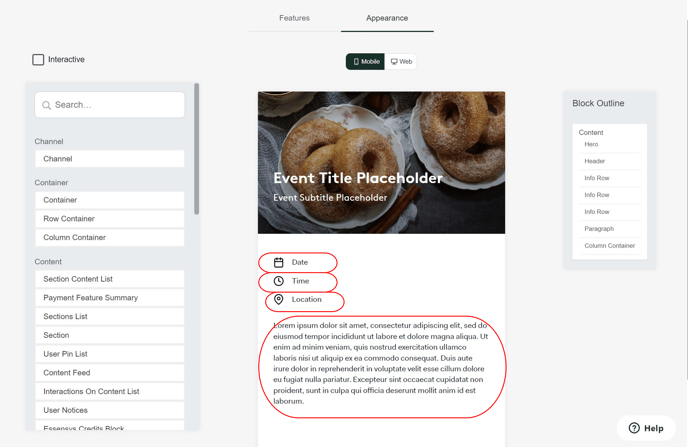
Step 9: Hit "Next" -> Enter Information again
Step 10: Click "Next" to go to "Targeting"
Step 11: Set Dates -> Make sure "Send to Everyone" is selected.
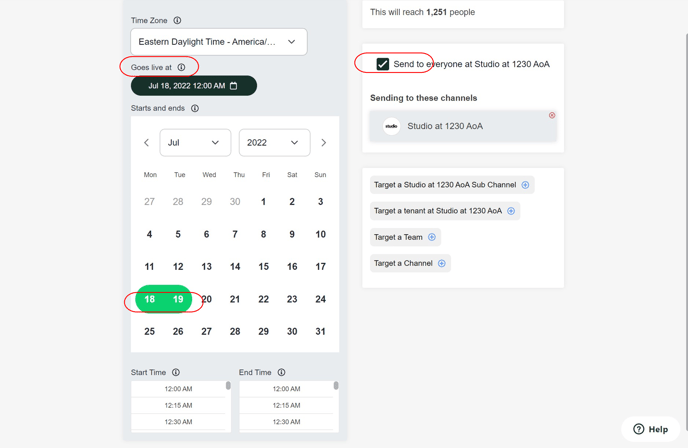
Step 12: Click "Next"
Step 13: Click "Publish"
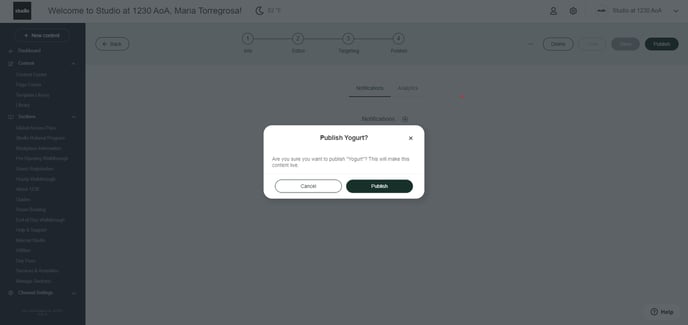
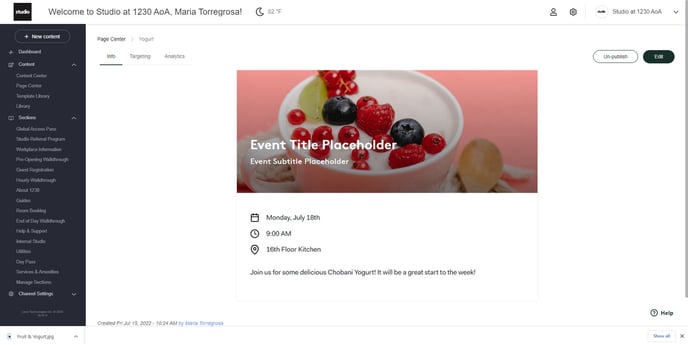
Step 14: Review Tile
Was this article outdated or incorrect? Suggest a revision! Still need help? Submit a ticket!