
Step 1:
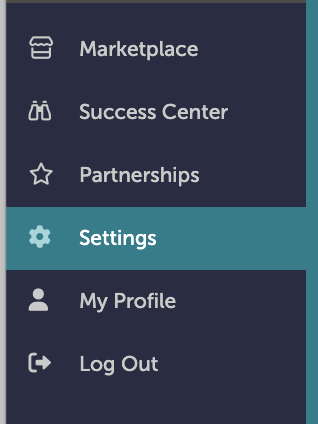
On the left-hand navigation bar, scroll down to “Settings”.
Step 2:
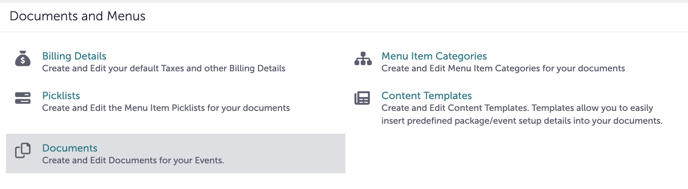
In the Settings window, scroll down to “Documents and Menus”. Click “Documents”.
Step 3:
Studio Gather uses documents on the booking level. Next to any existing documents, click “Edit Layout” to edit the document.

Step 4:
Use the “Summary Fields” on the left-hand side to add new elements to the document.
.gif?width=640&height=378&name=Settings%20-%20Studio%20Gather%20-%20Tishman%20Speyer%20-%20Tripleseat%20(5).gif)
Step 5:
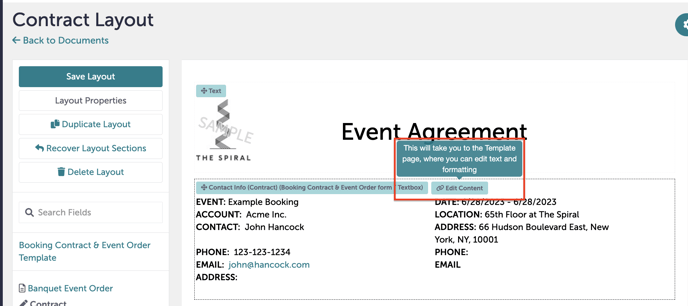
You can also click into any existing element to pull up an “Editing” box. You can also choose to delete the element by clicking “Remove Field”.
Step 6:
Once you have made all your changes, click “Save Layout”.
Step 7:
Was this article outdated or incorrect? Suggest a revision! Still need help? Submit a ticket!