
Step 1:
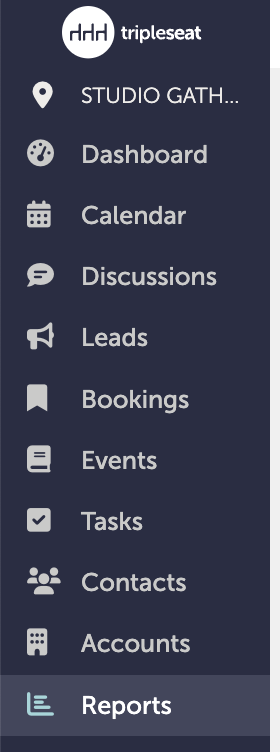
Open the report you want to view. You can access "Reports" from the left-hand navigation tab.
Step 2:
Look at the top of the report. You can choose to either "Save" or "Export" this report. If you do not hit save, the report will disappear when you navigate away from the page.

Saving this report will save it to your reporting dashboard in Tripleseat. Hitting "Save" will also give you the option to share your report with other team members.
Step 3:
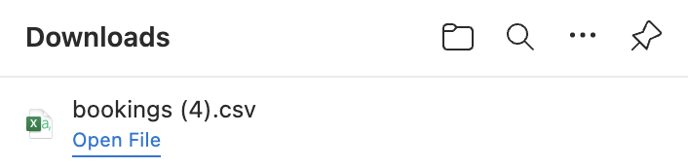
Exporting a report will save this data as a .csv file on your desktop if the file is small; a large file will be sent to your email instead.
Step 4:
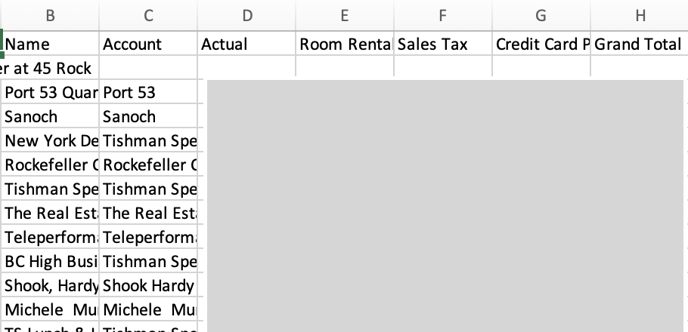
The CSV file will have all the data from the report. Note: the screenshot below has been edited for privacy; the report will not be grayed out.
Step 5:
Was this article outdated or incorrect? Suggest a revision! Still need help? Submit a ticket!