
Step 1:
Navigate to the booking that you'd like to add a picklist item for.
Step 2:
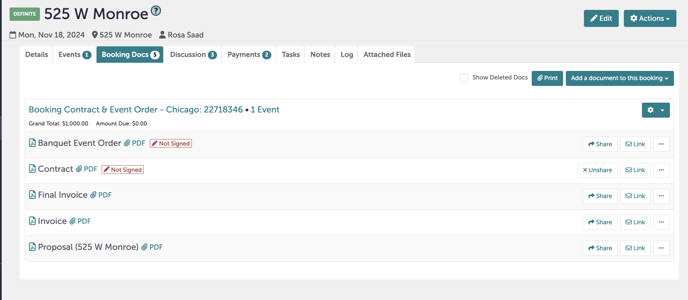
Navigate to the "Booking Docs" tab.
Step 3:
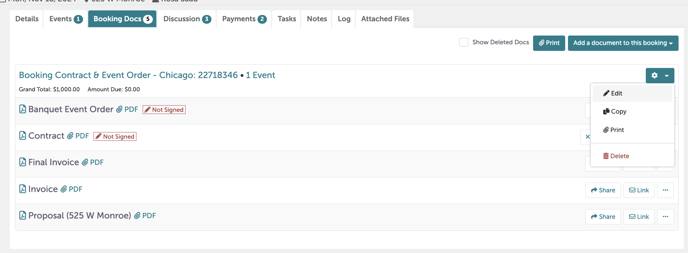
Click the "Settings" gear and select "Edit".
Step 4:
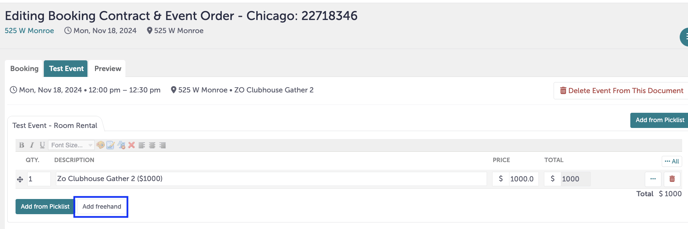
Navigate to the event you'd like to add a picklist item for. Click "Add freehand".
Step 5:
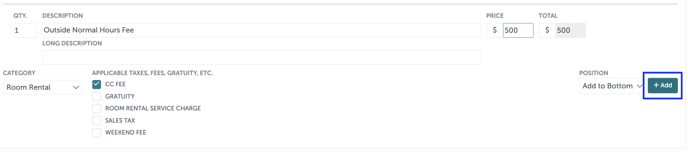
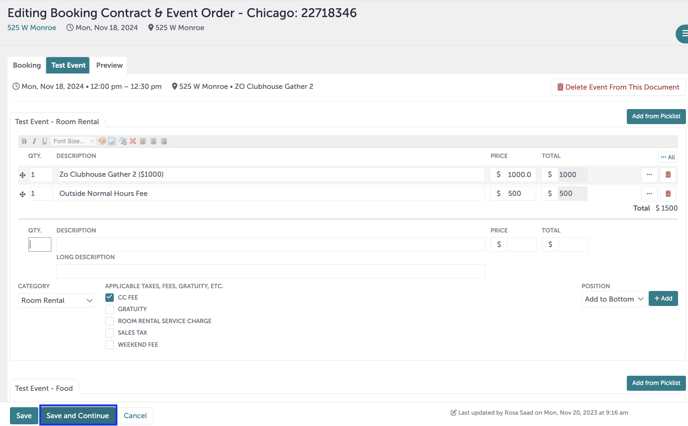
A new, blank template will open. Fill out the quantity, name of the picklist item, price, category, and any applicable taxes or fee. Click "+Add".
Step 6:
The new picklist item is now below any existing picklist items in that section. Click "Save and Continue". You have now added a custom picklist item.
Step 7:
Was this article outdated or incorrect? Suggest a revision! Still need help? Submit a ticket!