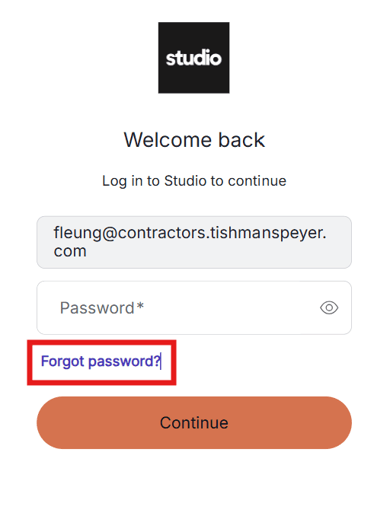
Important: Members access Yardi through the VTS Your Studio App.
1) If member knows their Studio app password, log in like normal and click on the Meetings and Day Passes button on the Home Menu to access Yardi Member Portal for booking.
2) If member can't login into the Studio app, double check if they are entering the login credentials correctly and try again. If they still can't login, they can reset their password.
Reset Password in Studio App
Step 1: Open the app and enter in the work email. Click continue.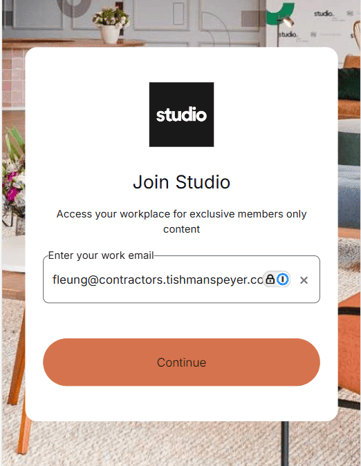
Step 2: It will take you to the next screen. Click reset password and then follow the prompts.