
Step 1. Navigate to the full Member list by way of Customers -> Members.

Step 2. Change the filter from "Active Members" to "Archived Members"
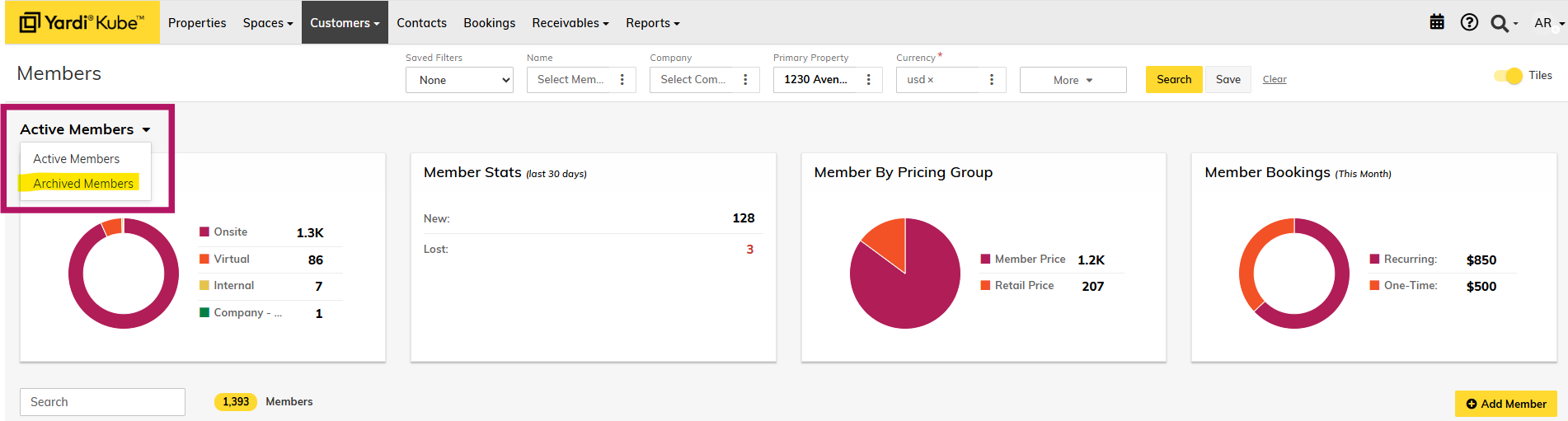
Step 3. Search for the member you would like to reactivate and click the 3 dots and select "Activate" to reactivate the member.
