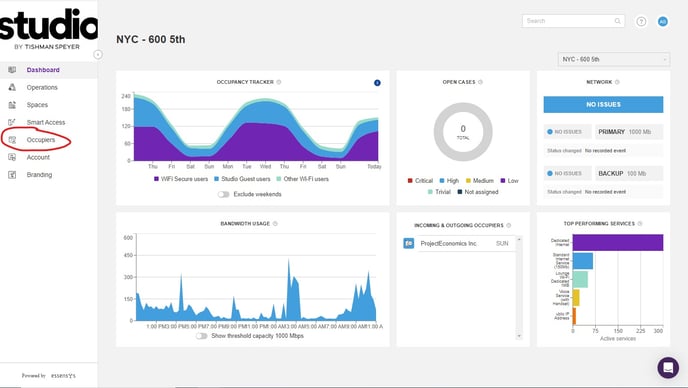
Step 1: Open Platform and click "Occupiers" on the left hand side of your screen
Step 2: Search the company that member is a part of 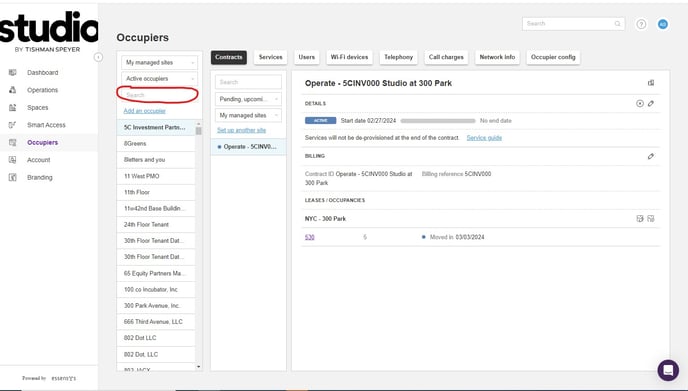
Step 3: Click the company name and then go to "Users"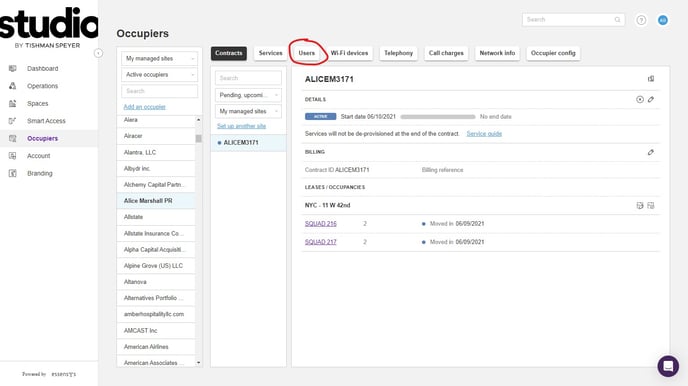
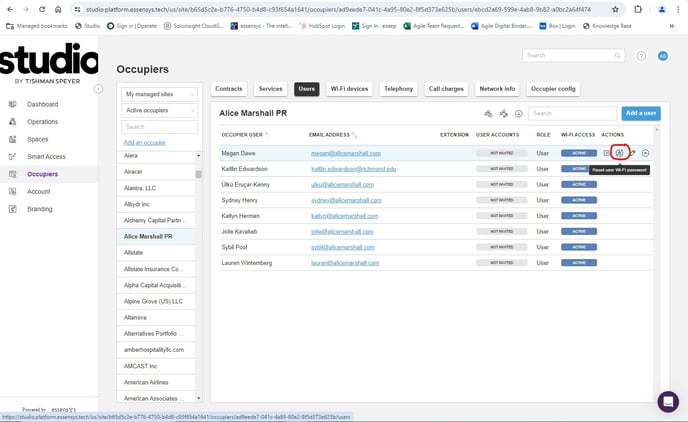
Step 4: Under "Users" scroll till you find the specific member and then hover over the member and click the "Reset user Wi-Fi password" icon