
Step 1:
Navigate to the booking where you'd like to share a document from.
Step 2:
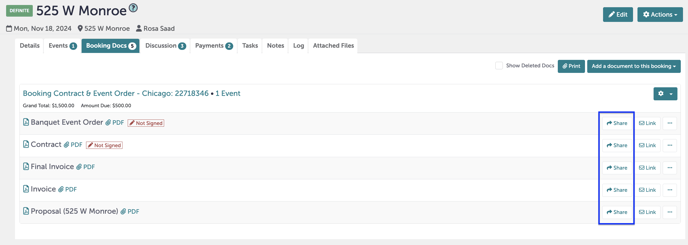
Navigate to "Booking Docs".

Step 3:
Click "Share" next to the document you want to share.
Step 4:
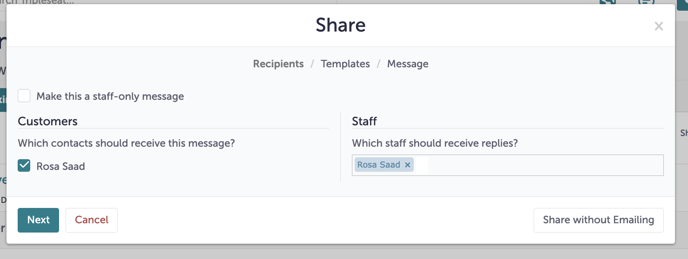
Tripleseat will automatically select the booking's contact to send this form to. Add any staff members you'd like to be notified, and click "Next".
Step 5:
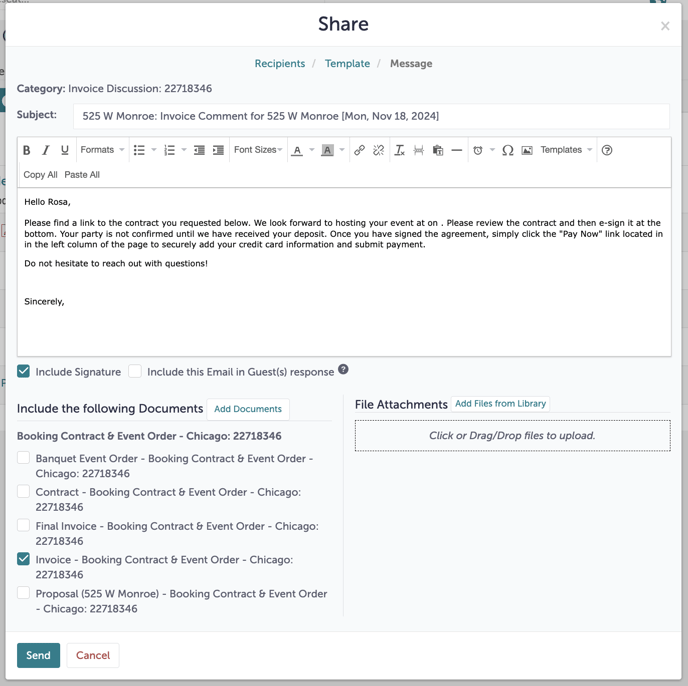
Select the email template and document you would like to share with the guest.

Step 6:
Review the email and attached document. Make any changes you'd like to the body of the email, and click "Send" when you are ready to share this document.
Step 7:
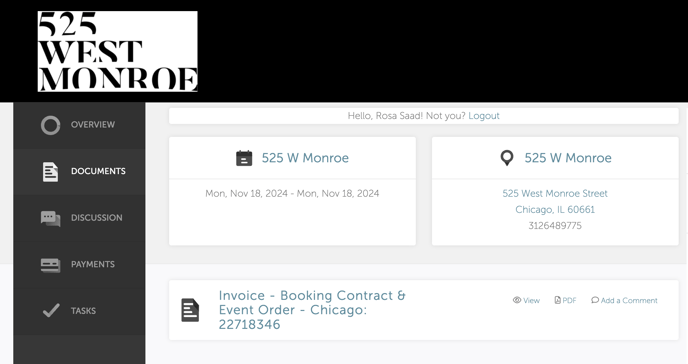
The guest will be able to review this document in their Guest Portal.
Step 8:
Was this article outdated or incorrect? Suggest a revision! Still need help? Submit a ticket!