
Step 1:
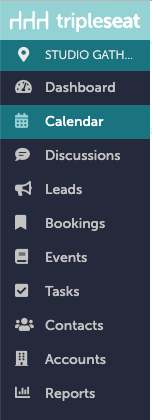
On the left hand navigation bar in Tripleseat, navigate to "Calendar".
Step 2:
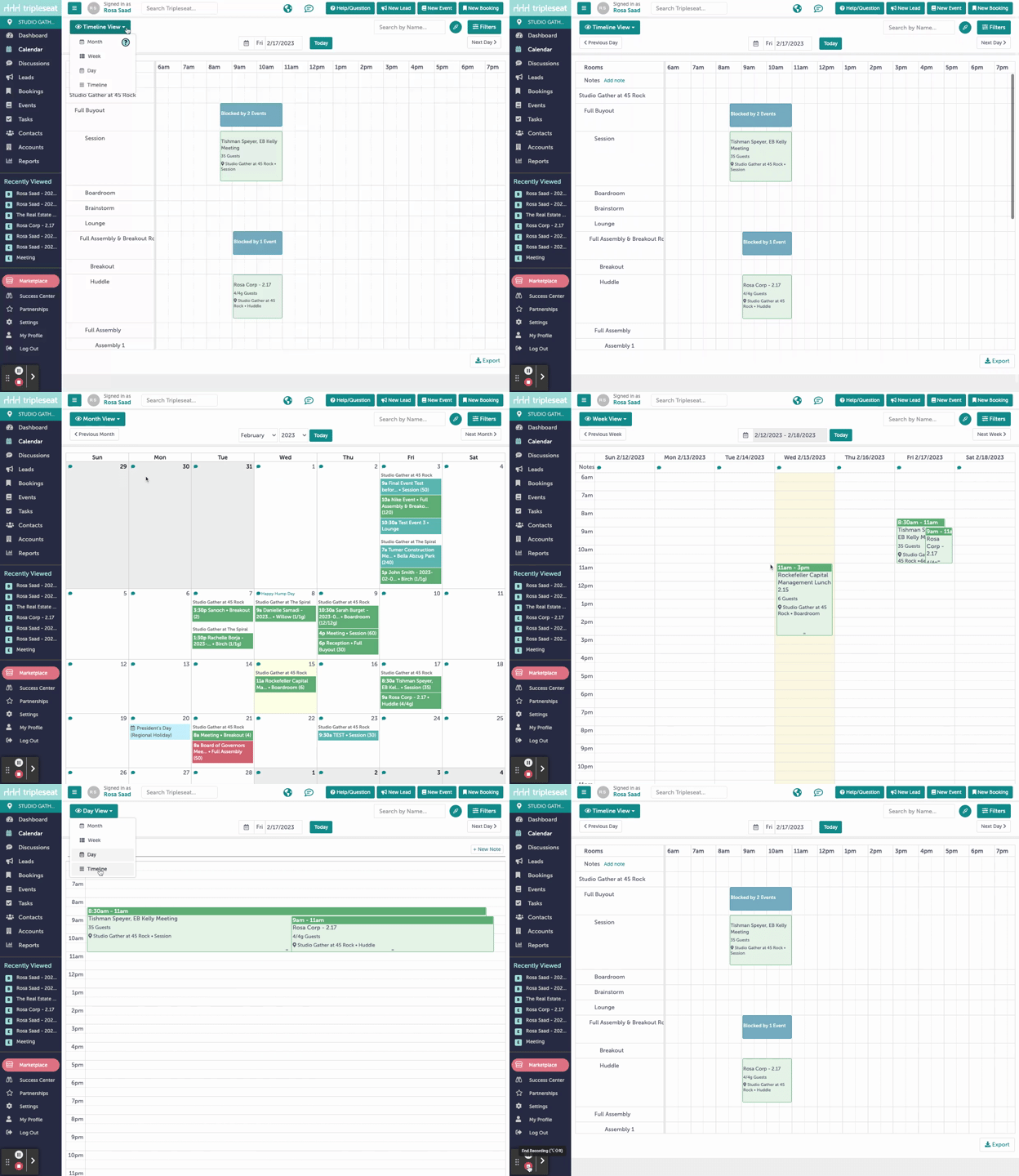
From here, you can change your view by clicking "Timeline View" in the upper left hand corner. You can change the view to be month, week, day, or timeline (which will show all bookings across both 45 Rock and the Spiral).
Step 3:
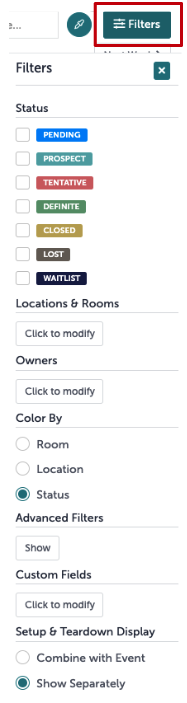
You can filter your results by clicking "Filters" in the upper right hand corner. Keep in mind; this filter will save. You will need to clear the filter if you want full visibility again.
Step 4:
Was this article outdated or incorrect? Suggest a revision! Still need help? Submit a ticket!