CLICK HERE FOR PDF TO SHARE WITH MEMBERS
Step 1 - Log in to Yardi Kube
Use your member email username & set password emailed to you with the subject line "Welcome to Studio by Tishman Speyer". Let the Studio Teams know if another contact needs billing access.
Step 2 – Click “My Account” to view all invoices and make payment.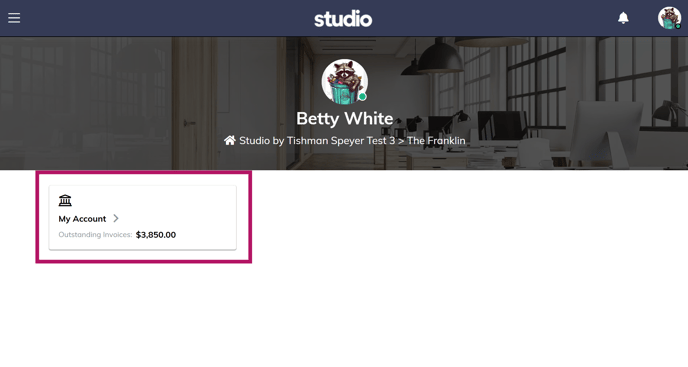
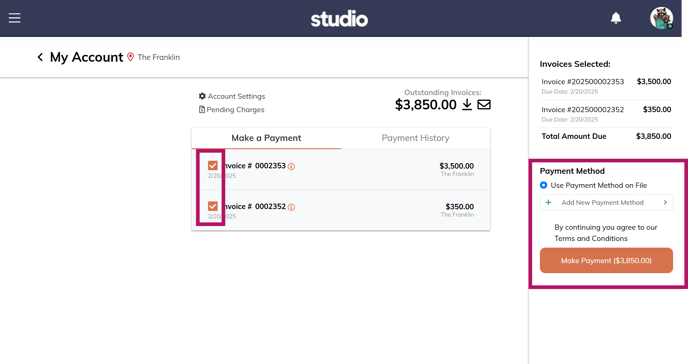
Step 3 – View your invoices and select the invoices for payment.
Click “Make Payment” using the payment on file, or add a new payment method.
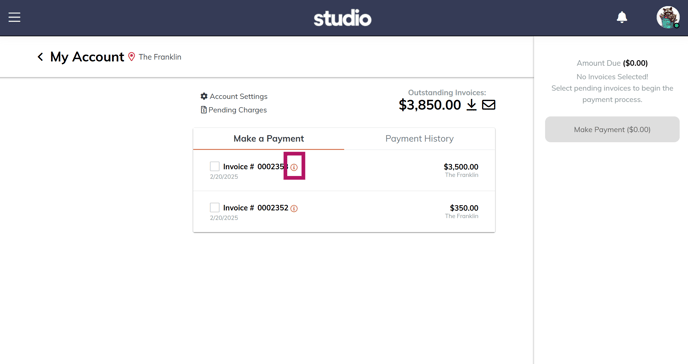
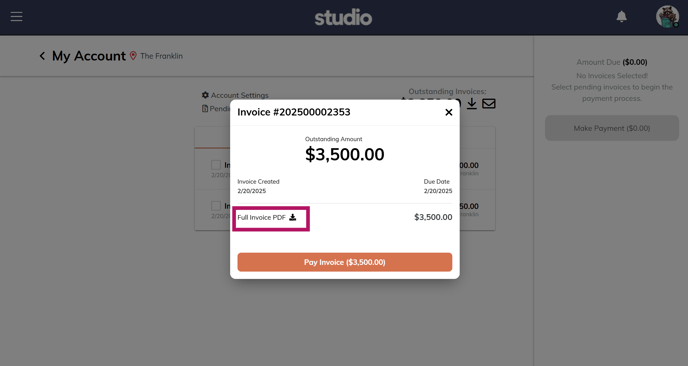
To download your invoices, click the (i) icon and select “Full Invoice PDF”