
Step 1:
Navigate to the booking that you would like to add a document to.
Step 2:
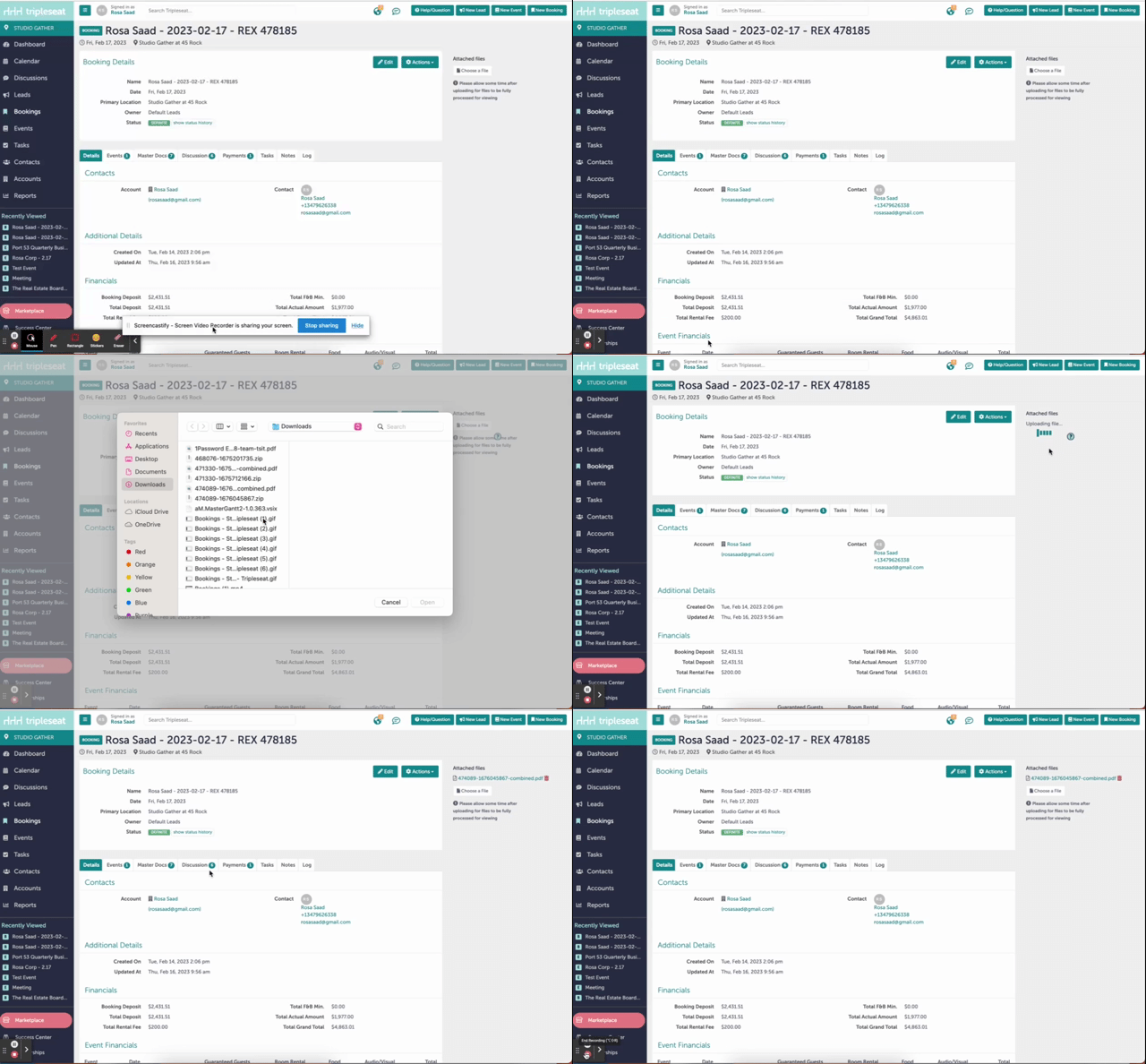
On the main booking page ("Details"), there is an option on the upper right hand side to "Choose a File".
Step 3:
Select the file you want to attach from your documents.
Step 4:
Click "Upload File".
Step 5:
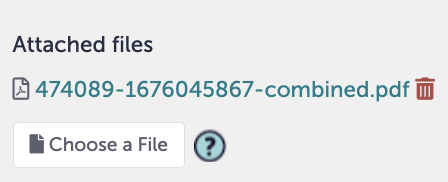
You will know your file is uploaded when it appears under "Attached Files".
Step 6:
You can add additional documents to your booking by clicking "Choose a File" and repeating steps 3 and 4. You can also permanently delete an uploaded document by clicking the red trash can icon next to an attached file (shown in the image above).
Step 7:
Was this article outdated or incorrect? Suggest a revision! Still need help? Submit a ticket!